BIT-101
Bill Gates touched my MacBook Pro




Today I was working on some code where I was drawing a bunch of thin lines for various types of grids. After I had the basic code working, I went back and worked on cleaning things up. One thing I’d noticed is that some of the lines were… fuzzy. They were absolutely straight vertical and horizontal lines, but some were clean and crisp, others looked kind of blurry. And they all seemed to have slightly different widths.
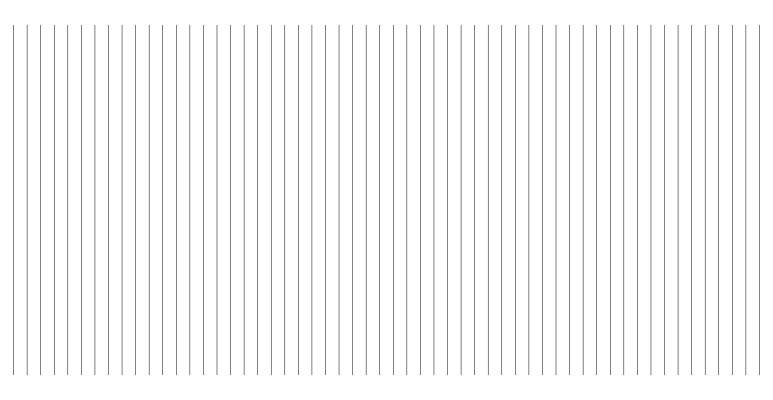
Fortunately, I knew just what was going on. Tips I’d picked up on in the early 2000s working with Flash. I knew just what to do to make them clean and crisp and uniform. This worked in Flash, it works in JavaScript, it works in my library which is based on CairoGraphics. Native Processing doesn’t have this issue, but p5.js which is in the browser, does.
What’s happening is that even though the lines are completely vertical, they wind up at various locations on the y-axis. I purposely set up the code to make sure this was the case. I’m a bit rusty on my JavaScript, but put together this snippet:
const width = 773;
const height = 400;
const canvas = document.getElementById("canvas");
const context = canvas.getContext("2d");
canvas.width = width;
canvas.height = height;
context.fillStyle = "white";
context.fillRect(0, 0, width, height);
context.lineWidth = 0.5;

const count = 57;
for (let i = 1; i < count; i++) {
  context.beginPath()
  context.moveTo(i / count * width, 25);
  context.lineTo(i / count * width, 375);
  context.stroke()
}
Because I used random odd numbers for the width and count, they won’t divide evenly and most lines will be at some fraction of a pixel on the x-axis.
So part of what you want to do is round those x values off. We’ll start there. Just showing the loop this time…
for (let i = 1; i < count; i++) {
  context.beginPath()
  context.moveTo(Math.round(i / count * width), 25);
  context.lineTo(Math.round(i / count * width), 375);
  context.stroke()
}
That gets us here:
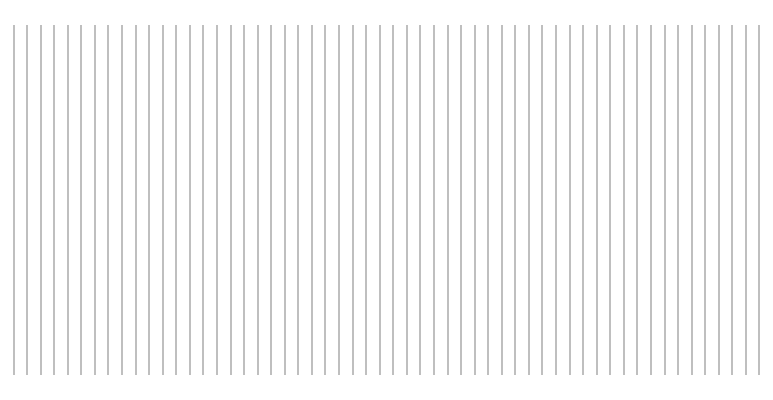
Not great. They’re all uniform now, which is nice… but they’re all uniformly blurry. Well, I said that rounding was part of the solution. The next part is to move the line so it’s exactly on a half pixel. We can do that by just adding 0.5 to each value…
for (let i = 1; i < count; i++) {
  context.beginPath()
  context.moveTo(Math.round(i / count * width) + 0.5, 25);
  context.lineTo(Math.round(i / count * width) + 0.5, 375);
  context.stroke()
}
And now, voila!
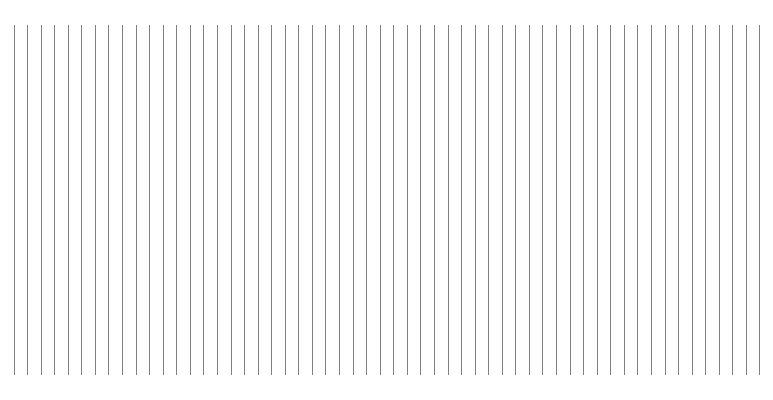
These look very clean and crisp.
But we can do better. With the above code, lines might move a bit further than you really want them to in some cases.
For example, say your x value was 103.57.
We round that to get 104.0 and then add 0.5 for 104.5.
We’ve moved it almost a full pixel to the right. A better spot for it would be 103.5, just 0.07 pixels to the left.
To handle that, we can make a function like so:
function roundHalfPixel(value) {
  return Math.round(value + 0.5) - 0.5;
}
We add 0.5, round and subtract 0.5.
So our 103.57 becomes 104.07. Rounded to 104.0 then subtract 0.5 to get 103.5. Just what we want.
And if we’re at something like 103.21, we add 0.5 to get 103.71, round to 104.0 and subtract 0.5 to get 103.5, which again is the closest half pixel.
Fixing up the code to use this function…
for (let i = 1; i < count; i++) {
  context.beginPath()
  let x = roundHalfPixel(i / count * width);
  context.moveTo(x, 25);
  context.lineTo(x, 375);
  context.stroke();
}
And that gives you the final image:
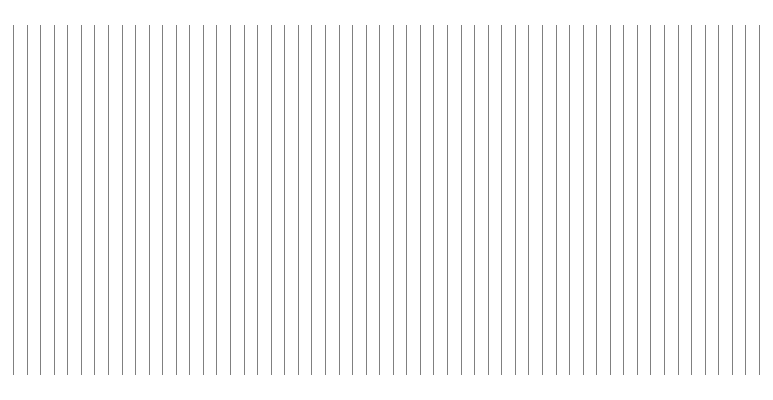
Honestly you probably won’t see much of a difference here in most cases, but it’s more correct and just might make something look better someday.
This will work on lines of any width. But sometimes the result is more striking than others. I’ve been using 0.5 pixel lines and the effect is subtle, but there. Here’s a comparison of the original code and the final code, with 1-pixel lines.
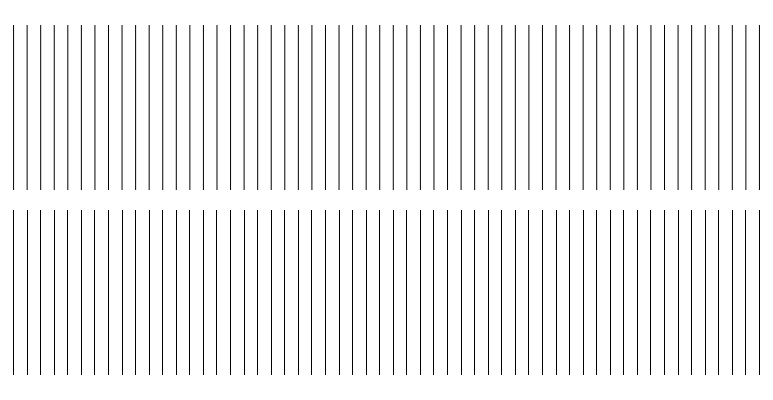
I only showed vertical lines, but it applies to horizontal lines too. You really only need this for straight vertical and horizontal lines mostly. But give it a shot on angled lines and see if it makes a difference. It’s also good on any rectangular fills (but use whole values in this case, as covered in the next post), gives them crisp edges. But don’t take my word for it. See what it does on your system.
That’s all. I just thought of this trick today and realized that I learned this more than two decades ago. And I’m not sure if I’ve ever heard anyone mention this trick or read anything about it any time recently. Wondered if it’s a lost bit of knowledge among newer creative coders. Maybe not, but figured it wouldn’t hurt to toss it out there in the wild again.
