BIT-101
Bill Gates touched my MacBook Pro




I have been a big fan of eInk book readers for just about 17 years now. In April 2009 I got my first Kindle and had a number of follow ups over the next many years. Ten years later I moved over to the Onyx Boox line of ereaders, with a Nova Pro 7.8" device, then a Note Air 10.3" device, a Poke 3 6" device, which I sat on and broke about a year ago, so got a Go 6 6" reader to replace it. I also have a Kobo Clara color eInk device and a Remarkable eInk tablet.
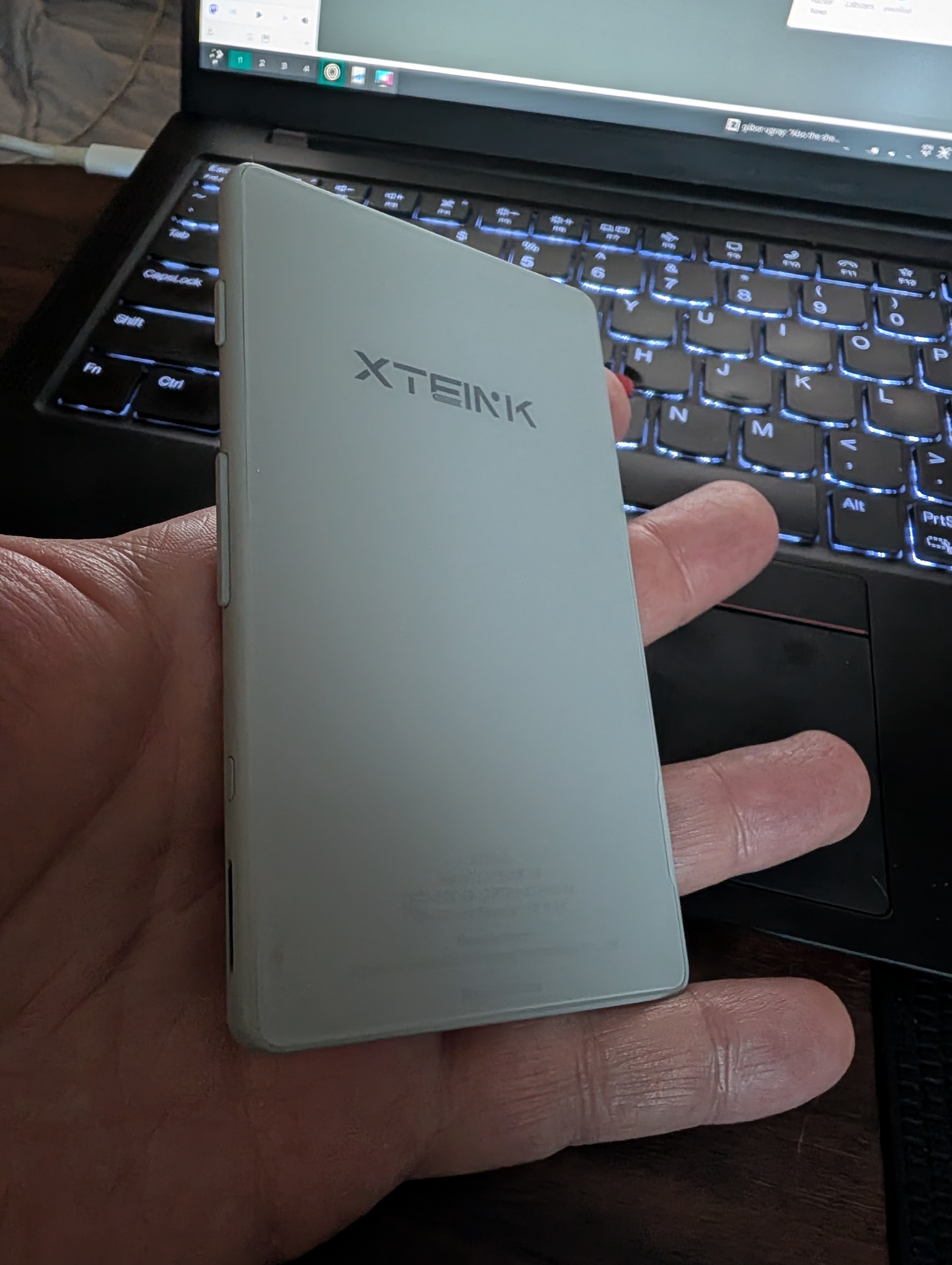
A month or so ago I caught wind of the XT Eink devices, in particular the X4. It’s a tiny little 4.3" device! I watched a bunch of videos about it and considered getting one but I didn’t really need a new ereader. (See paragraph one.) But then a week ago I saw some more posts about it and got interested all over again and went for it. It goes for $69 USD, so worth a shot, right?
It arrived over the past weekend and I’m in love with it!
OK, the thing cost 70 bucks. It can’t be amazing, right? Here’s what it lacks:
If this were a general purpose reader, many of those would be big problems. But none of them bother me. This is not my every day reader for when I’m on the sofa or reading before bed. This is the thing that’s always in my pocket and if I find myself waiting in the car, or in line somewhere or whatever, rather than doom scrolling on my phone, I read a couple pages of the book I’m on.
Just about everything else on this is great, especially for the price.
It’s got a Magsafe compatible magnet on the back. The marketing says it’s for sticking on the back of your phone. But I think it doesn’t really work that well with a lot of phones. Not with my Pixel 10. Just because of the camera bump - it works fine if I put it on sideways, but that’s kind of useless. But you can get a magnetic case for it and it’ll work with any Magsafe accessories.
Note, it does not charge via Magsafe - only via USB-C.
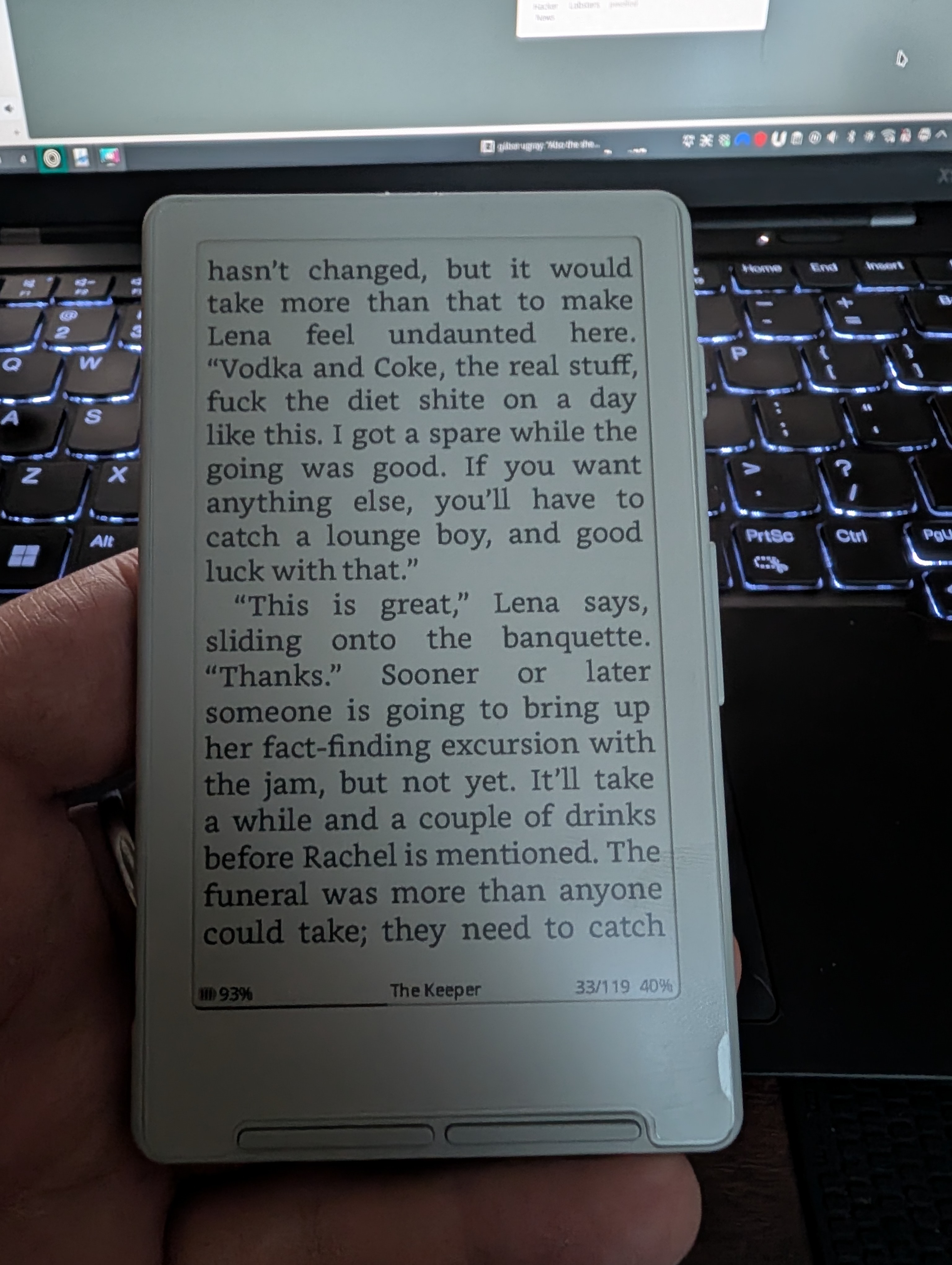
I don’t know, it came charged, I’ve had it for 5 days, used it a bunch, it’s at 93%. Very promising. As I said, charges with USB-C.
I can’t say much about the factory OS and software. I only tried it for a short while. And then…
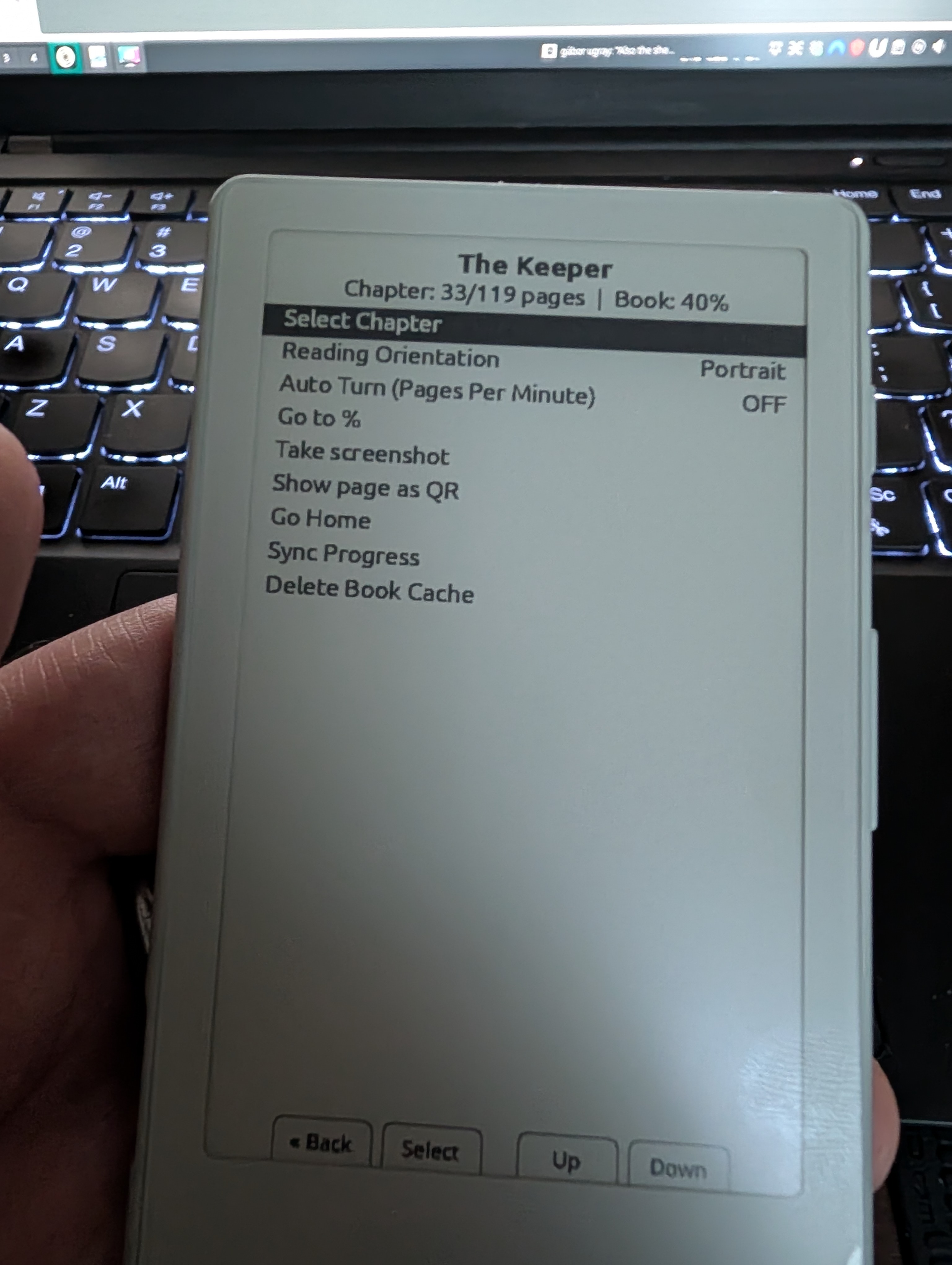
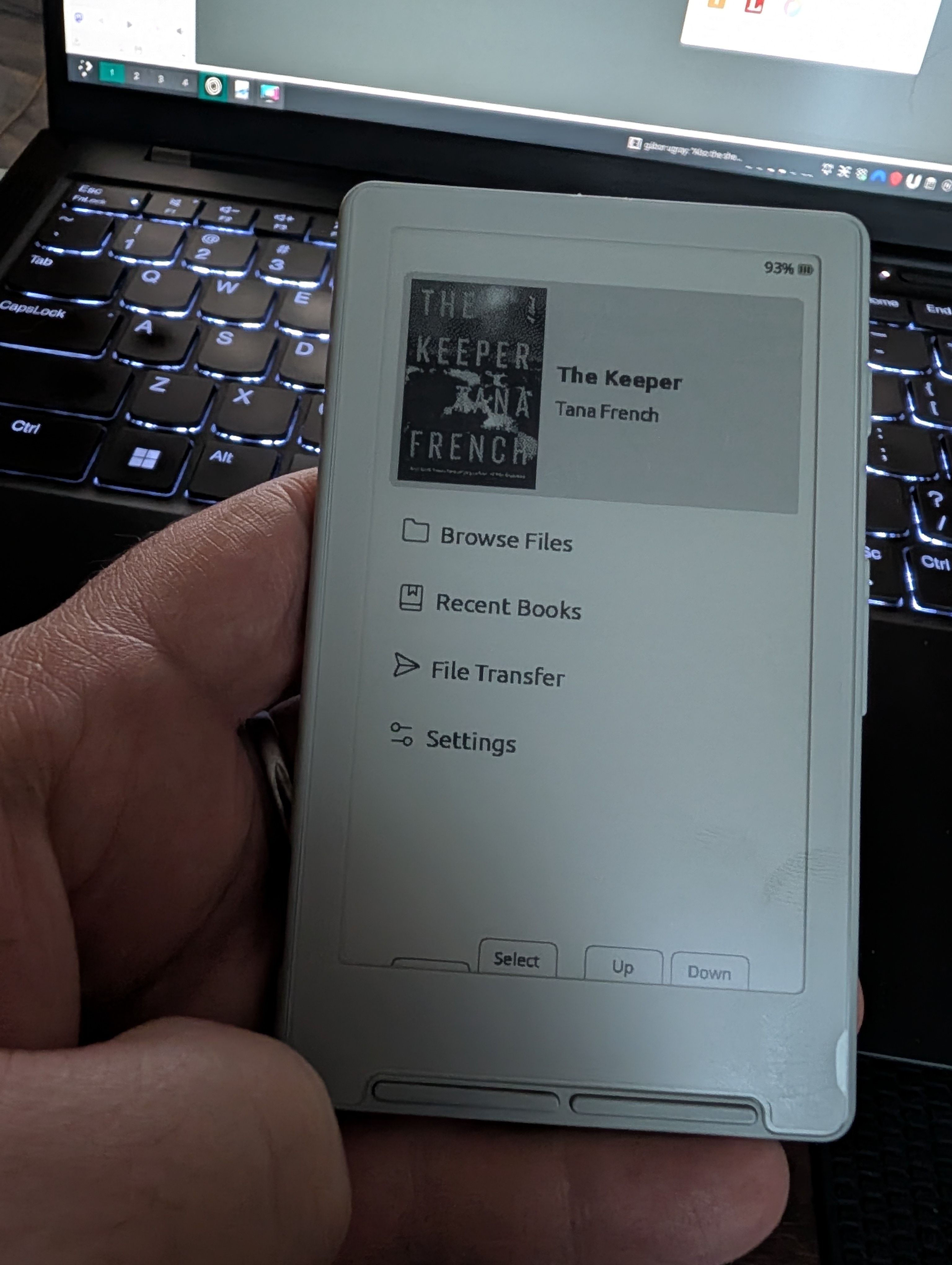
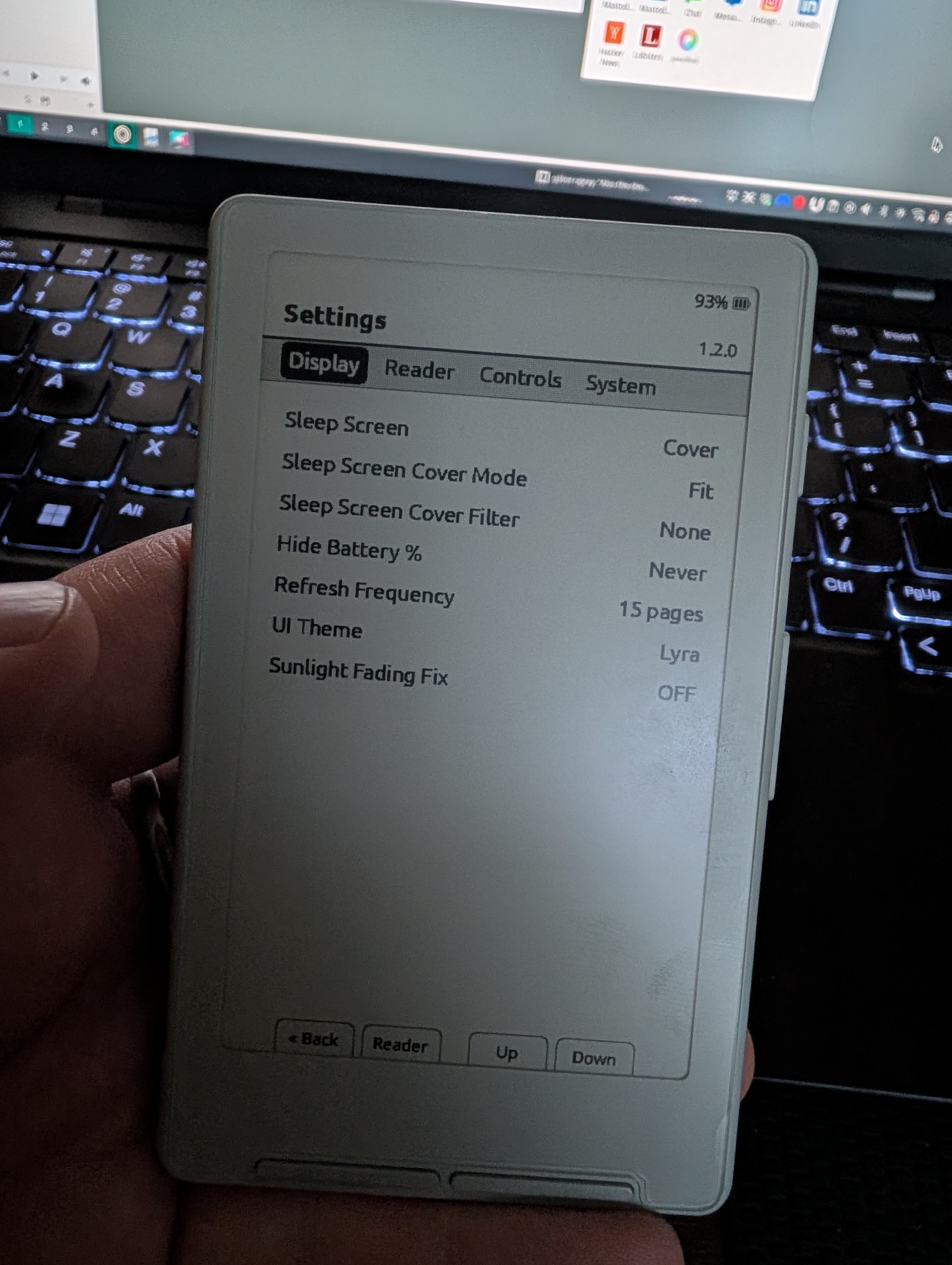
Everyone suggests Crosspoint-Reader which is a 3rd party, community-developed firmware and reader app. It’s great. It doesn’t have all the bells and whistles of my favorite ebook reader app, KOReader, but it does a lot. Fonts, font size, a fair amount of formatting options, cover display on sleep, status bar customization, syncing progress with KOReader (though it’s very buggy in my testing), wifi book transfer, etc.
As mentioned, it’s not touch screen, but has a power button on the left and then back/forward buttons on the side, that look like volume buttons on a phone. Then on the bottom front, there are what looks like two buttons but are really four. The two on the left are back and select, and on the right are additional back/forward buttons. Overall, pretty easy to get around with, but because it’s so tiny, and you’ll have to change pages so often, the button placement is not perfect. Using a Magsafe ring on the back to hold the device with makes this a lot better.
I’ve been surprised how zippy this is. It does take a few seconds to start up (like under 5 on Crosspoint) but page turning and menus are way faster than I expected on such an inexpensive, tiny device.
The resolution is pretty low - 220 ppi. But it’s fine for reading a book. The screen is small, but you can adjust the font size to your liking. Of course, if your vision requires you to use a very large font, you’re going to be much better off with a larger screen - the Crosspoint software offers font sizes of small, medium, large, extra large. Extra large will get you a medium size paragraph on the screen. Small will get you a couple of paragraphs. The default medium is about right for me.
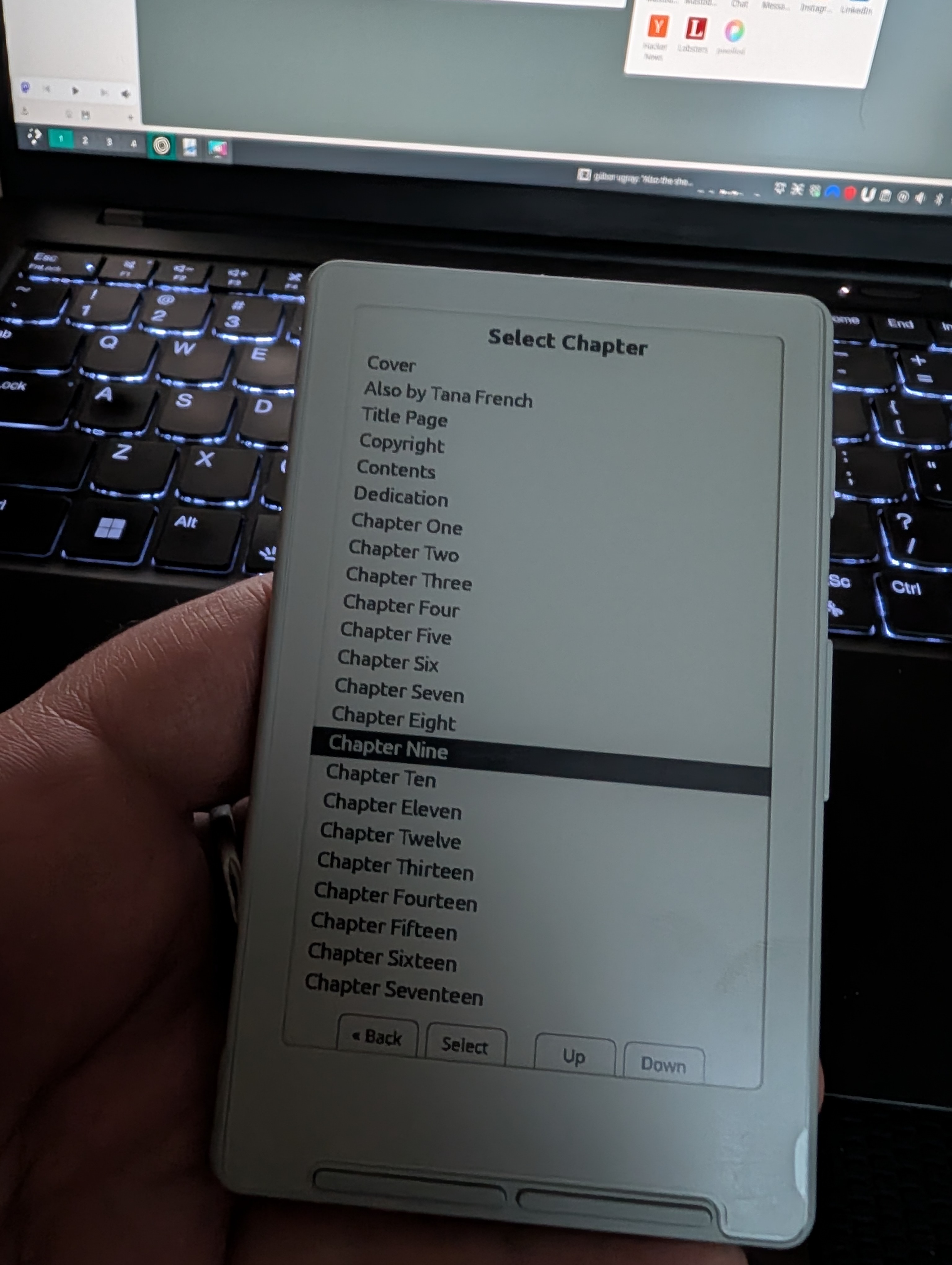
Note that there’s no search function on either the default or the Crosspoint software. The default software has bookmarks, but oddly, Crosspoint does not. But both allow you to navigate by chapters.
Just released, or just about to release, is the next version, in reverse numerical order, the X3. It’s even smaller! 3.7"
It has pogo pin charging and better button placement, shake to turn pages, NFC. $79 US. I think I’m good with the X4. It’s about as small as I’d want to go.
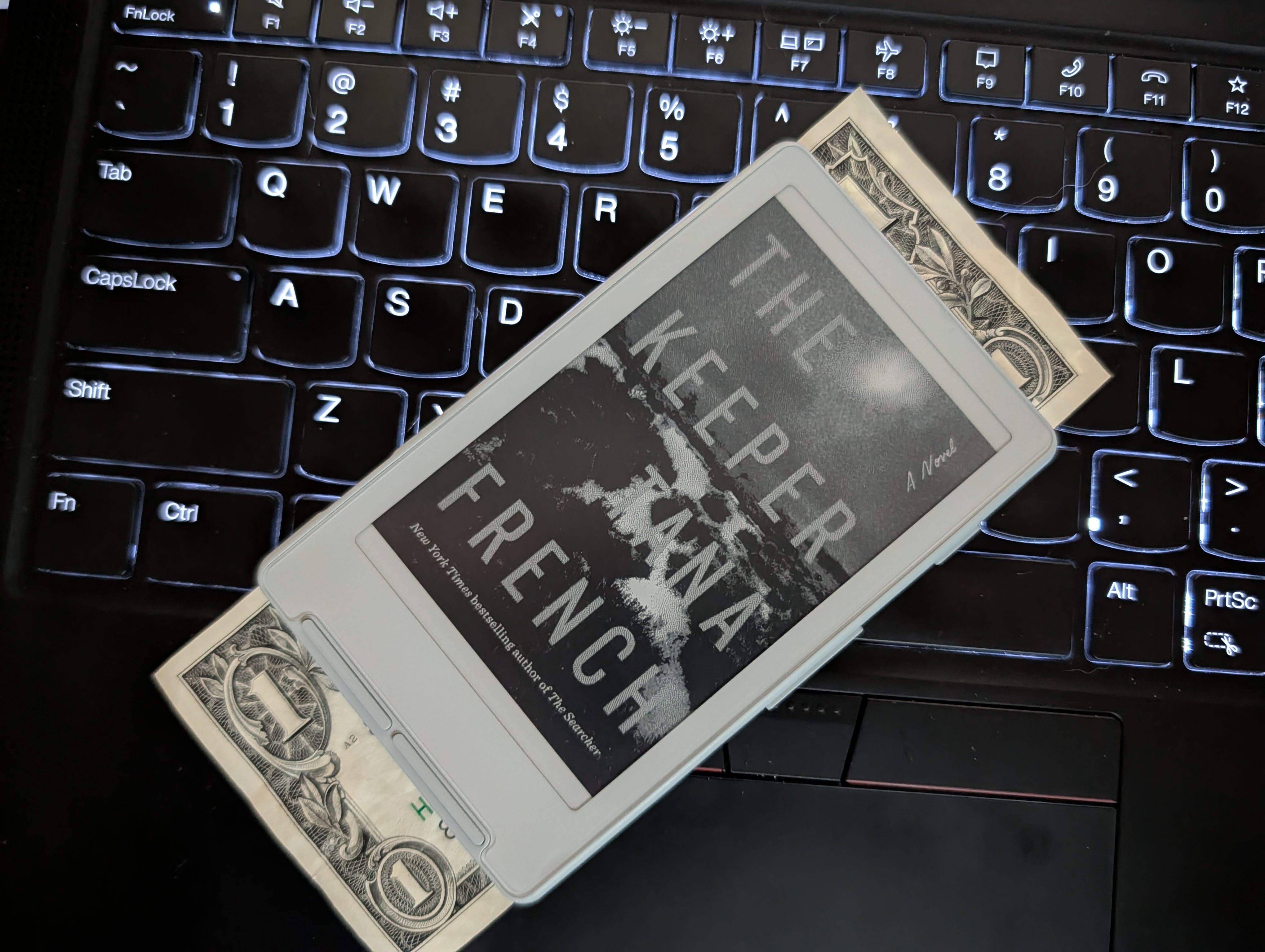
I’ll just close out with some photos.