What I Learned About Apollo at FiTC Hollywood
Last week’s presentation about Apollo by Mike Chambers at FiTC Hollywood contained the most detailed information on the project that I have seen yet. I managed to capture photos of most of the slides he showed, and posted them to flickr, but haven’t gone through and explained what many of them actually mean. So I’ll try to run through some of them here.
Disclaimer. This is my take on what Mike said several days ago, with several parties in between. It’s not official and probably not 100% accurate. 🙂
First, some fairly obvious informative bullets:
 In response to some of the questions about certain features, Mike said stuff like, "we are still writing the spec for that functionality." So, yeah, it's very early in the development process.
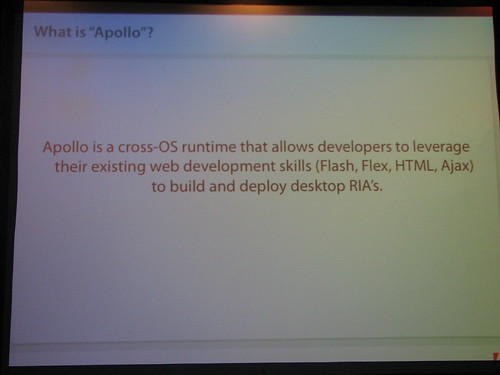
 One really interesting point that I hadn't heard before was that you'll be able to display full html pages _within Flash_ in Apollo. In other words, in your Flash application, there will be some type of browser object you can create, which will be a full featured html renderer. There may even be some support for a basic plugin architecture within this browser. So you might be able to load Flash into a web page displayed within a Flash movie. At this time, this browser object will be Apollo only. Mike didn't say it was out of the question that such a thing might make it into future versions of the regular Flash player, but obviously plugin size would be a big issue. Then again, having a browser within Flash running within a browser might just invite disaster.
 The local storage / settings API sounded interesting. It would be somewhere between a file IO API and a local shared object.
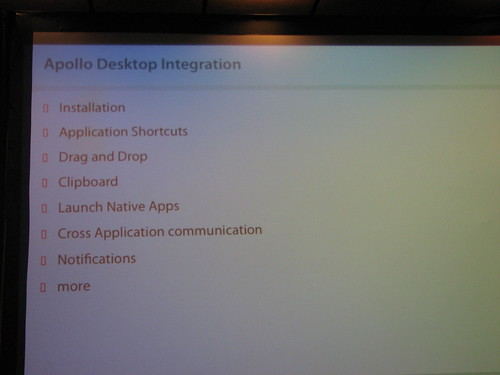 Drag and drop – drag a file onto your Apollo app and you'll get a drop event containing the uri of the file. Other types of drag and drop are still being worked out, i.e. drag and drop text or images will likely be supported, and drag/drop from one Apollo app to another, but more complex types of objects will be more complex and still needs to be figured out how or if that will work.
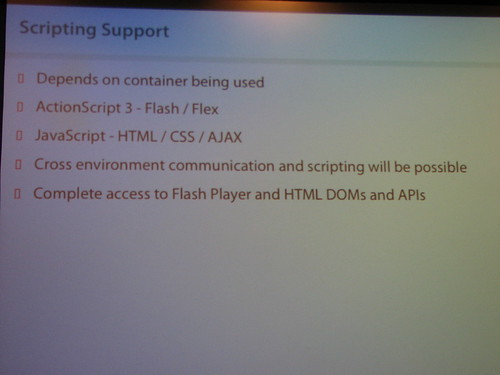 Apparently you'll be able to have the Flash portion of your app talk to the html/js or pdf portion of the same application, or even have it talk to another Apollo app.
 I think this one has been around before.
 More insight than usual into internal releases. Mike pointed out that the Mac version was begun very early on, and is now being worked on concurrently, to make the runtime virtually identical on both platforms, rather than perfecting it on Windows and then trying to port it.
 Starting out with a basic Flex 2 Application. Note the Apollo name space.
 This is the xml file that describes the Apollo app itself. Well, it's an empty one for now.
 Setting the background to allow for transparency / custom shapes.
 Filling in the Apollo xml file.


 Tweaking the mxml.
 Switch to design view…
 Custom component.


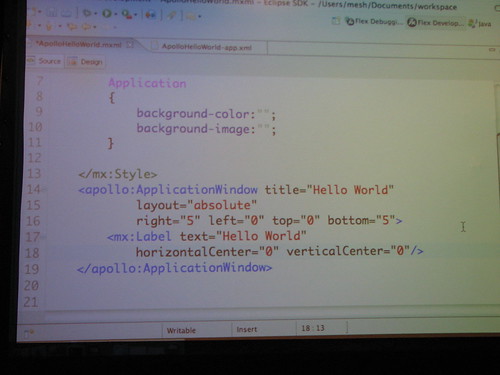
 Publishing the swf.
 Back to the Apollo xml file.
 Change the window mode.
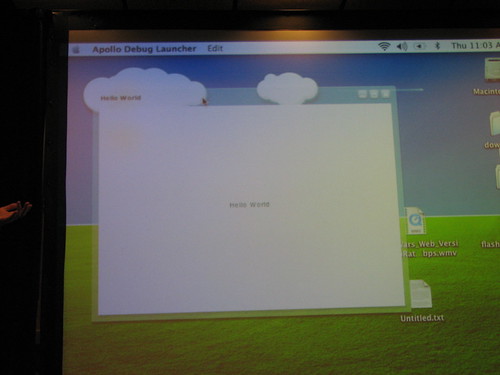 The Apollo app.
 Apps are installed in the system-usual place.
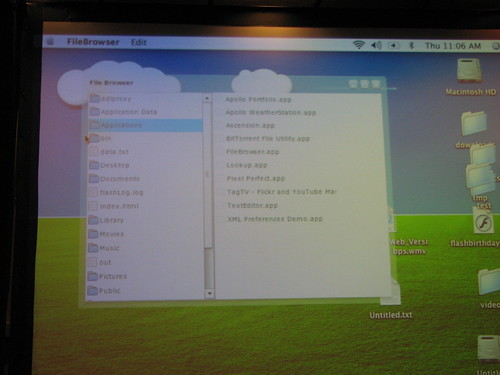 File browser built in Apollo.
 File browser playing a song.
 The Ascension media player, built in Apollo.
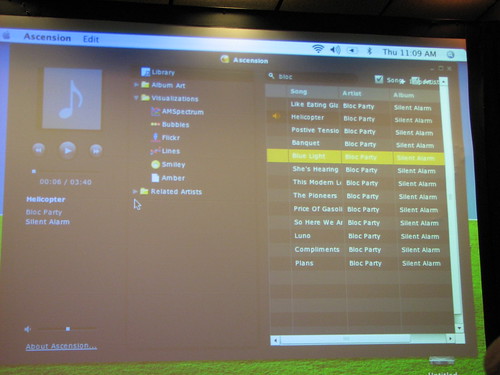

 In addition to music visualizations shown, there were other features Mike couldn't show due to the horrible internet connection at the conference. This included looking up cover art, lyrics and flickr photos related to the currently playing media. This is all just stuff done in Flash / AS3 / Flex 2.
Then there were some additional stuff shown during the keynote:
 Yeah, yeah…
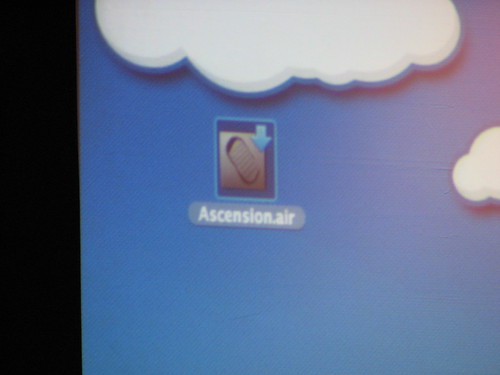 Apollo apps can be distributed as .air files, which require the Apollo runtime. If not installed, the user can be prompted to install the runtime. Or you can package the runtime with your app. The whole distribution aspect of the runtime has been thought through very carefully. It's the one item I had the most concern about, but the way it was described made me feel pretty confident that it's going to be a relatively painless experience for the end user.
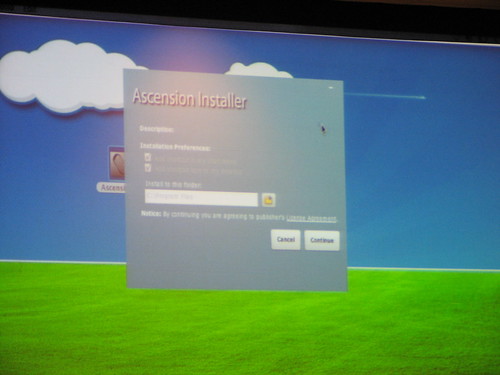 Apollo will allow you to make installation programs. Users will have all the usual options: where to install, create shortcuts, etc.
 A running Apollo app. This one allows you to capture snapshots from your web cam, save them to disk, and upload them directly to flickr.